
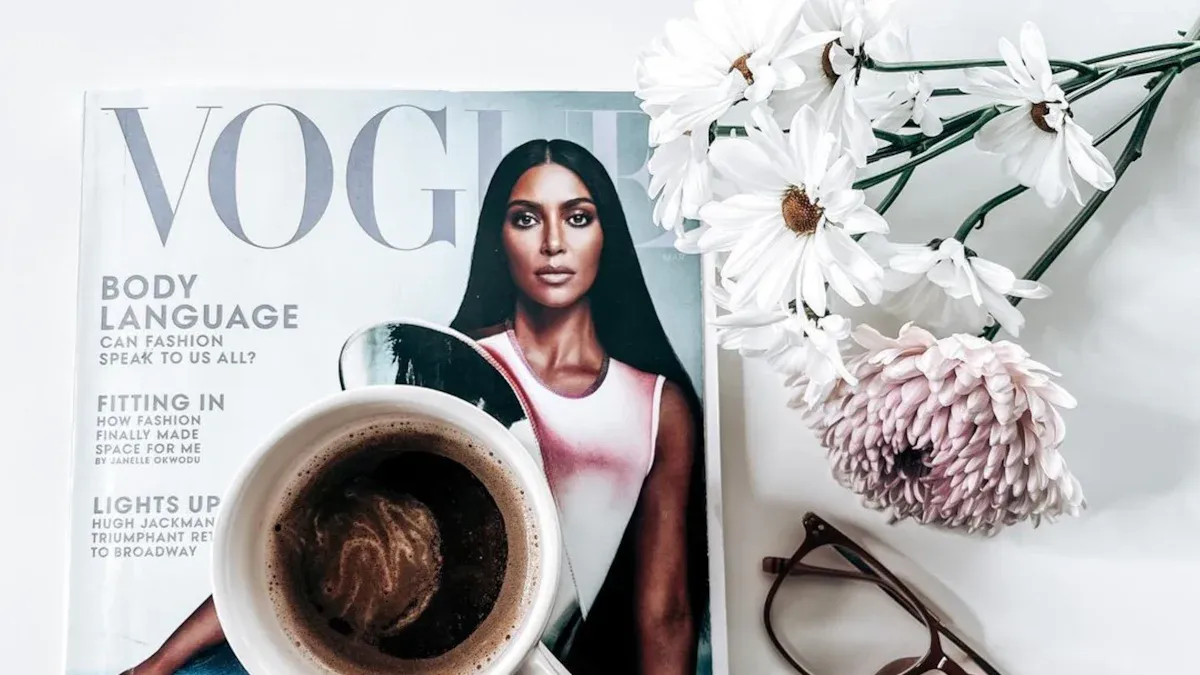
Ready to shake up your creative Vogue magazine layouts? You want eye-catching designs and easy tips you can use right away. This blog gives you practical ideas that work for beginners and pros alike. Try these fresh layouts to make your magazine stand out. If you want to create interactive pages, FlipHTML5 helps you bring your vision to life.
Key Takeaways
Use grid systems to organize your magazine pages and keep your design clean and easy to read.
Add white space to highlight important content and give your layout a modern, fresh look.
Balance images and text on your cover to grab attention without cluttering the design.
Try oversized images and minimal headlines to create bold, eye-catching spreads.
Incorporate interactive elements and digital tools like FlipHTML5 to make your magazine engaging online.
1. Design Principles
Grid Systems
You want your magazine to look organized and stylish. Grid systems help you do that. Try a classic three-column grid. This layout gives your pages structure and makes your content easy to read. You can mix things up by combining grids. For example, use a three-column grid for articles and switch to a two-column grid for photo spreads. This keeps your design fresh and interesting.
Tip: Sketch your grid ideas before you start designing. This helps you see how your text and images will fit together.
A good grid system also helps you balance headlines, images, and captions. You avoid clutter and keep your readers focused.
White Space
White space is your secret weapon. It makes your magazine feel modern and clean. Place extra white space at the top of your spreads. This draws attention to your main images or headlines. You can use white space to separate sections and give your readers a break between stories.
White space highlights important content.
It makes your pages easier to scan.
It gives your design room to breathe.
Don’t be afraid to leave areas blank. Sometimes less is more.
Typography
Typography sets the mood for your magazine. Bold fonts grab attention. Left-aligned text looks neat and professional. You can mix font styles to create contrast. For example, pair a bold headline with a simple body font.
Font Style | Best Use |
|---|---|
Bold Serif | Headlines |
Sans Serif | Body Text |
Italic Script | Quotes or Accents |
Choose fonts that match your magazine’s vibe. Make sure your text is easy to read. Play with size and weight to highlight key points. Your typography should guide your reader through each page.
2. Creative Vogue Magazine Covers
Image and Text Balance
You want your magazine cover to grab attention right away. The best covers use a smart balance between images and text. Start with a strong, high-quality photo. Place your main image front and center. Let it tell a story before anyone reads a single word.
Keep your text short and punchy. Use a bold headline that stands out but does not cover important parts of the image. Place smaller text, like taglines or teasers, along the edges or in open spaces. This keeps the cover clean and easy to read.
Tip: Step back and look at your cover from a distance. If the image and text both pop, you have found the right balance.
Try different layouts. Sometimes, less text works better. Other times, you might want to add a few more details. Trust your eye and adjust until everything feels just right.
Accent Colors
Accent colors can make your cover come alive. Pick one or two colors that match your main image. Use these colors for headlines, borders, or small design elements. This trick helps your cover look polished and professional.
Choose colors that fit your magazine’s mood.
Use bright accents for energy or soft tones for elegance.
Repeat your accent color in small ways for a unified look.
A simple table can help you plan your accent colors:
Main Image Color | Accent Color Ideas | Mood Created |
|---|---|---|
Black & White | Red, Gold | Bold, Luxe |
Pastel Pink | Mint, Silver | Soft, Modern |
Deep Blue | Coral, White | Fresh, Chic |
When you design a Creative Vogue Magazine cover, accent colors help your brand stand out on the shelf or online.
3. Bold Spreads
Oversized Images
You want your magazine to make a statement. Oversized images help you do that. Big photos grab attention and set the mood for your spread. When you use a large image, you create drama and excitement. Readers stop and look. They feel the energy of your Creative Vogue Magazine.
Try placing a full-page photo as the background. Let the image bleed off the edges. You can layer text or graphics on top, but keep it simple. If you use a portrait, make sure the subject’s eyes draw the reader in. Landscape shots work well for fashion or travel themes.
Tip: Choose high-resolution images. Blurry photos ruin the impact of a bold spread.
Oversized images work best when you want to highlight a single story or feature. You can use them for interviews, fashion editorials, or special events. Don’t be afraid to crop images in creative ways. Sometimes, showing only part of a photo adds mystery.
Here are some ideas for oversized image layouts:
Full-bleed background with minimal text
Split image across two pages for a dramatic effect
Layered graphics or color overlays for extra style
Minimal Headlines
Inspired by these newsletter design ideas, minimal headlines keep your bold spread clean and modern. You don’t need a lot of words. A short, punchy headline works best. Place your headline in a corner or along the edge of the image. Use a bold font for impact.
Readers like simple designs. Too much text distracts from your visuals. You can use one-word headlines or short phrases. Try different font sizes to see what stands out. If you want to add a subheading, keep it brief.
Headline Style | Best Use |
|---|---|
One-word | Fashion features |
Short phrase | Interviews |
Lowercase | Editorials |
Less is more. Let your images do the talking.
Minimal headlines pair perfectly with oversized images. You create a spread that feels fresh and stylish. Your Creative Vogue Magazine will look professional and bold.
4. Collage Style
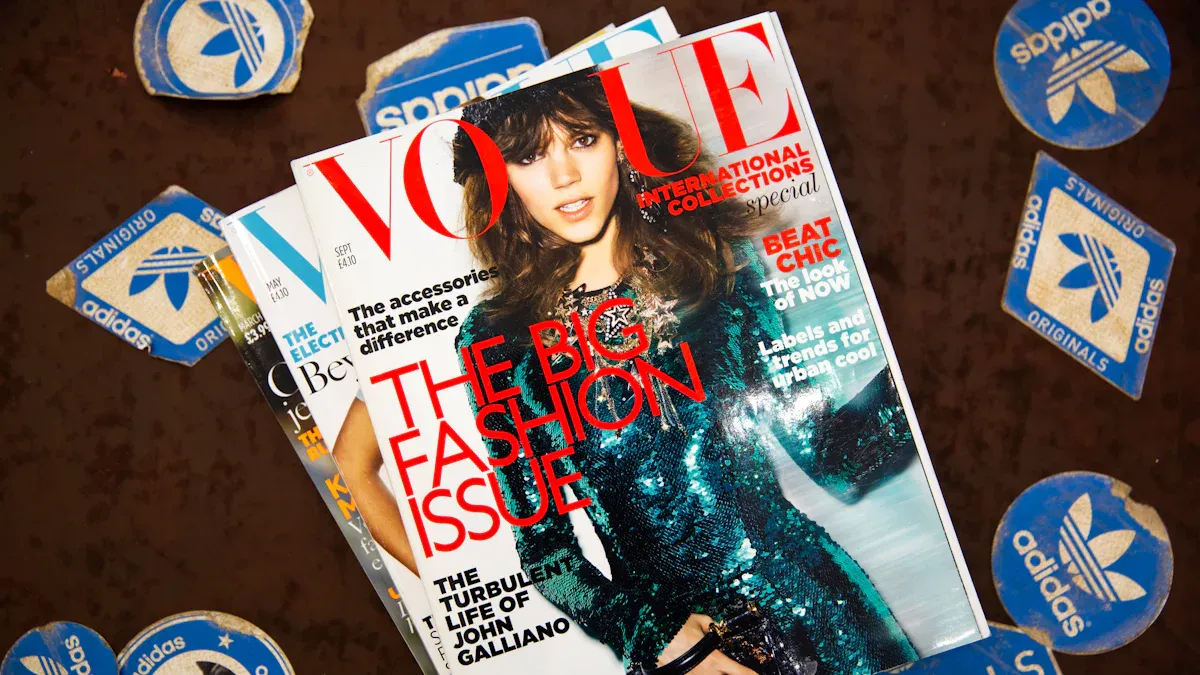
Mixed Media
You want your magazine pages to feel fresh and exciting. Mixed media collage gives you that creative edge. Try blending photos, hand-drawn sketches, and digital graphics on one spread. This style brings energy and personality to your Creative Vogue Magazine layouts. You can scan in doodles or paint splashes and layer them with fashion photos. Magazine cutouts, textured backgrounds, and even bits of handwritten notes add a playful touch.
Tip: Use a mix of black-and-white and color images for extra contrast. This trick helps important elements stand out.
You do not need to follow strict rules. Let your imagination guide you. If you want to highlight a new trend or designer, create a collage that tells a story. Readers love seeing unexpected combinations. Mixed media works well for feature stories, trend reports, or artist profiles.
Here are some ideas to get you started:
Layer magazine clippings with bold brush strokes
Add stickers or digital icons for a modern twist
Use torn paper edges for a raw, edgy vibe
Overlapping Elements
Overlapping elements make your pages look dynamic and layered. You can place text over images or let photos spill into the margins. This style breaks up the grid and adds movement to your design. Try overlapping headlines with model shots or placing captions right on top of product images.
A simple table can help you plan your overlaps:
Element | What to Overlap With | Result |
|---|---|---|
Headline | Main Image | Bold focal point |
Photo | Graphic Shape | Artistic effect |
Billedtekst | Color Block | Easy-to-read detail |
Don’t be afraid to experiment. Overlapping elements give your Creative Vogue Magazine a modern, editorial look.
You can use transparency or drop shadows to make sure everything stays readable. Play with scale and placement until your page feels balanced. Your readers will notice the extra effort and creativity.
5. Color Blocking
Contrasting Sections
Color blocking gives your magazine pages a bold, modern look. You can use big blocks of color to split your layout into clear sections. This trick helps you guide your reader’s eye and makes each part of your page stand out. Try using a bright color for one section and a softer shade for another. You create instant contrast and energy.
Want to highlight a feature or a quote? Place it inside a colored box. You can use color blocks to separate interviews from fashion spreads. This style works well for Creative Vogue Magazine layouts because it keeps things fresh and easy to read.
Here are some ways you can use contrasting sections:
Divide your page into two or three color blocks.
Use a bold color for headlines and a neutral color for body text.
Place photos inside colored frames for extra pop.
Tip: Pick colors that match your magazine’s theme. Too many colors can feel messy, so stick to two or three main shades.
Visual Highlights
Color blocking isn’t just about separating sections. You can use it to draw attention to important details. Want your readers to notice a callout or a special offer? Put it in a bright color block. You can highlight quotes, stats, or even page numbers this way.
Try adding a colored sidebar for quick tips or fun facts. You can use color blocks to mark the start of a new section. This makes your magazine easy to scan and keeps readers engaged.
Here’s a simple table to help you plan your visual highlights:
Highlight Type | Suggested Color | Effect |
|---|---|---|
Quote Box | Yellow | Eye-catching |
Sidebar | Blue | Calm, Focused |
Callout | Red | Urgent |
You don’t need fancy tools to start color blocking. Most design apps let you add colored shapes and backgrounds. Play around with placement and size until your page feels balanced. Color blocking brings energy and style to your Creative Vogue Magazine, making every page a visual treat.
6. Digital Layouts
Interactive Elements
You want your magazine to stand out online. Interactive elements help you do that. You can add clickable links, animated images, and videos to your pages. These features make your Creative Vogue Magazine feel fresh and modern. Readers love flipping through digital magazines that respond to their actions. You can include pop-up galleries for fashion shoots or behind-the-scenes videos from your latest event.
Try adding interactive quizzes or polls. These tools keep your audience engaged. You can also use clickable product tags so readers can shop directly from your magazine. If you want to highlight a designer, link their name to an interview or portfolio. Interactive elements turn your magazine into an experience, not just something to read.
Tip: Test your interactive features on different devices. Make sure everything works smoothly for your readers.
Here are some interactive ideas you can try:
Clickable table of contents
Embedded social media feeds
Animated transitions between pages
FlipHTML5 Integration
You want an easy way to create digital magazines. FlipHTML5 makes it simple. This tool lets you design layouts that look just like a printed magazine. You can upload your PDF and add interactive features with a few clicks. FlipHTML5 supports videos, audio clips, and image galleries. You can even add links to your website or social media.
FlipHTML5 gives you templates inspired by top fashion magazines. You can customize colors, fonts, and page transitions. If you want your Creative Vogue Magazine to reach more readers, FlipHTML5 helps you share your magazine online. You can publish your magazine on your website or send it by email. Readers can flip through pages on their phone, tablet, or computer.
Feature | What You Get |
|---|---|
Skabeloner | Fashion-inspired |
Interactivity | Videos, links, audio |
Sharing | Online, email, social |
Note: FlipHTML5 offers a free version. You can try it before you upgrade.
Digital layouts give you endless options. You can create a magazine that feels alive and interactive. Your readers will love exploring every page.
7. Lookbook Pages
Sequential Design
You want your magazine to tell a story from start to finish. Sequential design helps you do that. Think of a lookbook as a visual journey. Each page leads to the next, showing outfits, products, or ideas in a clear order. You can start with a bold opener, then move through different styles or themes. This flow keeps your readers interested and makes your magazine feel like a real experience.
Try using numbered pages or arrows to guide your audience. You can also use a timeline or step-by-step layout for tutorials or style guides. Here are some ways to create a strong sequence:
Begin with a statement piece or hero image.
Group similar looks together for easy comparison.
End with a summary or a call to action.
Tip: Lay out your pages on a table or screen before you finalize the order. This helps you spot any gaps or awkward transitions.
A good sequence makes your magazine easy to follow. Your readers will want to keep turning the pages.
Visual Motifs
Visual motifs tie your lookbook together. You can use repeating shapes, colors, or icons to create a theme. For example, add a floral border to every page or use the same background pattern throughout. These small details make your magazine feel polished and professional.
Try picking one or two motifs that match your brand. Maybe you love geometric shapes or pastel colors. Use these elements in headings, photo frames, or section dividers. Here’s a quick table to help you brainstorm:
Motif Type | Where to Use It | Effect |
|---|---|---|
Polka Dots | Page corners, dividers | Playful, fun |
Gold Lines | Borders, headlines | Elegant, modern |
Leaf Icons | Section headers | Fresh, natural |
Note: Keep your motifs simple. Too many can make your pages look busy.
When you use sequential design and visual motifs, your lookbook pages will stand out and feel cohesive.
8. Personalized Pages
Gift Ideas
You can make your magazine feel special by adding gift ideas. Readers love finding unique suggestions for birthdays, holidays, or just because. Try creating a dedicated page that highlights trendy products, must-have accessories, or even DIY gifts. Use big, clear photos and short descriptions. This helps your readers see what makes each gift stand out.
Want to make your gift guide pop? Use a simple table to organize your picks:
Gift Type | Best For | Price Range |
|---|---|---|
Statement Bag | Fashion Lovers | $50-$200 |
Scented Candle | Homebodies | $10-$40 |
Art Print | Creatives | $20-$100 |
You can add a quick tip or a personal note next to each item. This makes your recommendations feel more genuine. Try using callouts like:
Tip: Pair a statement bag with a matching scarf for a complete look!
Gift ideas work well as a recurring feature. Readers will look forward to your picks every issue.
Custom Templates
Custom templates help you save time and keep your magazine looking sharp. You can design a template for your gift guide, interviews, or even event recaps. Use consistent fonts, colors, and layouts. This gives your magazine a polished, professional vibe.
Want to get started? Sketch your template on paper first. Decide where you want images, headlines, and text. Then, build your template in your favorite design tool. Many digital platforms let you save and reuse templates. This means you can focus on content, not layout, each time.
You can also personalize templates for special editions. Try adding seasonal colors or themed graphics. Your readers will notice the extra effort. Custom templates make your magazine feel unique and organized.
9. Infographics & Illustrations
Visual Storytelling
You want your magazine to tell a story at first glance. Infographics and illustrations help you do that. They turn complex ideas into visuals that readers understand quickly. You can use custom drawings, icons, or charts to guide your audience through a feature or trend. Visual storytelling grabs attention and keeps readers flipping pages.
Try these ideas to boost your visual storytelling:
Use a timeline to show the history of a fashion trend.
Create a step-by-step illustration for a beauty tutorial.
Add icons to highlight key points in an interview.
Tip: Keep your visuals simple. Too many details can confuse your readers. Focus on clear shapes and bold colors.
You can mix photos with illustrations for a playful look. This style works well for both print and digital layouts. When you use visuals, you help readers remember your message.
Data Highlights
You have facts and numbers to share. Infographics make data fun and easy to read. Instead of long paragraphs, use charts, graphs, or pictograms. Readers love quick stats and bold visuals. You can show survey results, compare products, or highlight trends with a simple graphic.
Here’s a table to help you choose the right infographic style:
Data Type | Best Visual | Why It Works |
|---|---|---|
Trends | Linjediagram | Shows change over time |
Comparisons | Bar Graph | Easy to compare |
Percentages | Pie Chart | Quick to scan |
Note: Use your brand colors in your infographics. This keeps your magazine looking polished and on-theme.
Infographics and illustrations make your Creative Vogue Magazine stand out. They turn information into art and help your readers connect with your content.
You have a whole set of Creative Vogue Magazine layout ideas to try. Don’t be afraid to mix things up and see what works for you. Use FlipHTML5 to test digital layouts and play with templates. Share your designs with friends or online.
Remember, creativity and structure help your magazine stand out. Your next project could inspire others!
FAQ
How do I choose the right color palette for my magazine layout?
Pick colors that match your magazine’s theme and mood. Try using two or three main colors. Test your palette on a sample page. If it feels balanced and easy to read, you’ve found a winner.
What’s the best way to keep my magazine layout organized?
Stick to a grid system. Use consistent margins and spacing. Group similar content together. This helps your pages look clean and easy to follow.
Can I use FlipHTML5 if I’m new to digital design?
Yes! FlipHTML5 offers beginner-friendly Vogue magazine templates. You can drag and drop images, add text, and preview your magazine before publishing. No advanced skills needed.
How do I make my magazine stand out from others?
Focus on bold visuals and creative layouts. Try oversized images, unique fonts, or interactive elements. Add your personal style to every page. Your magazine will feel fresh and original.